Object Storage (Buckets)
Excloud Object Storage gives you S3-compatible buckets at https://buckets.excloud.dev. Anything that speaks the S3 protocol — aws s3, MinIO mc, rclone, boto3, the AWS SDKs — works against it without code changes (path-style addressing only).
There are two surfaces, both served on the same host and told apart by whether the request carries an AWS SigV4 signature:
| Surface | Endpoint | Auth | Use for |
|---|---|---|---|
| Control plane | https://buckets.excloud.dev/v1/... | Excloud bearer token | Creating buckets, rotating access keys, listing usage |
| S3 data plane | https://buckets.excloud.dev | AWS SigV4 with an access key | Uploading, downloading, listing objects |
Your org ID isn’t part of the S3 endpoint — it’s resolved from the access key. Public objects on a public bucket are served from a separate per-org host, https://<org-id>.objects.excloud.dev/public/<bucket>/<key>.
In this section
| Page | Covers |
|---|---|
| Quickstart | Create a bucket, issue keys, upload a file |
| S3 Compatibility | Endpoint URL, signature version, what’s supported |
| Access Keys | Create, rotate, revoke S3 access keys |
| Pricing | Storage, request, and data transfer rates |
Create your first bucket
exc buckets create my-bucket
exc buckets keys create laptop
keys create prints the secret access key once. Store it immediately — you cannot retrieve it again.
aws --endpoint-url https://buckets.excloud.dev \
  s3 cp ./photo.jpg s3://my-bucket/photo.jpg
Console
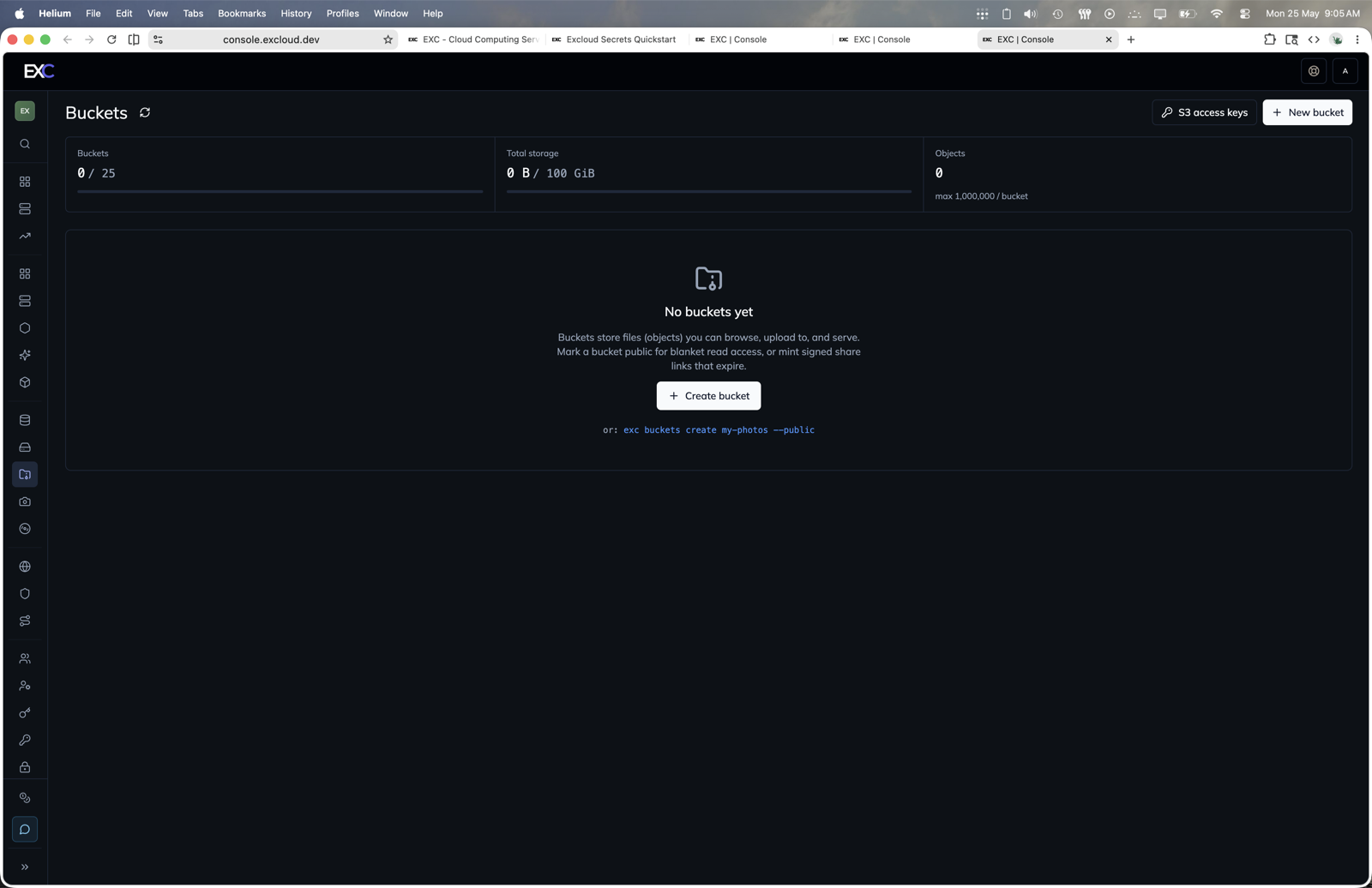
The browser console covers the common bucket workflow:
- Open console.excloud.dev/console/buckets.
- Click New bucket or Create bucket.
- Enter the bucket name and choose whether it should be public.
- Use S3 access keys to create or rotate keys for AWS-compatible tools.
- Open a bucket to browse objects, upload files, or create signed share links.
CLI cheatsheet
exc buckets create my-bucket                          # add --public to make it world-readable
exc buckets list                                      # or `exc buckets ls`
exc buckets get    my-bucket
exc buckets update my-bucket --public false
exc buckets delete my-bucket
exc buckets usage                                     # totals across the org

# Objects (bucket + key are positional)
exc buckets objects upload   my-bucket ./app.tgz --key app.tgz
exc buckets objects download my-bucket app.tgz --output ./app.tgz
exc buckets objects list     my-bucket logs/
exc buckets objects presign  my-bucket app.tgz --ttl 3600
exc buckets objects share    my-bucket app.tgz --ttl 3600
exc buckets objects sync     ./public  my-bucket/site/
exc buckets objects delete   my-bucket app.tgz

# Keys
exc buckets keys list
exc buckets keys create    automation                  # secret returned once
exc buckets keys delete    EXC...
exc buckets keys configure EXC... --profile excloud   # write an ~/.aws/config profile
Terraform
The matching resources are
excloud_bucket and
excloud_bucket_access_key, plus the
excloud_buckets and
excloud_bucket_usage data sources.
resource "excloud_bucket" "assets" {
  name      = "my-assets-bucket"
  is_public = false
}

resource "excloud_bucket_access_key" "automation" {
  name = "terraform-automation"
}